

1
Propose Changes
Maestro will propose changes to files, interweaving proposals with tool calls to solve real engineering tasks.
2
Apply Changes
When ready, Maestro explicitly calls the
Apply Changes tool, which intelligently completes all proposals. Multiple validations on the correctness of the code are applied on a batched basis at this point.3
Oversee Changes
The final diffs will be evaluated against the original proposal intents, rejecting anything with issues. This leverages multiple adversarial systems to cross validate code quality.
Proposing Changes
Maestro can interleave proposals with tool calls to gather additional context, append new changes to the proposal stack if it uncovers additional work, or backtrack if it notices an issue with previously proposed code. This allows for extensive and flexible engineering workflows.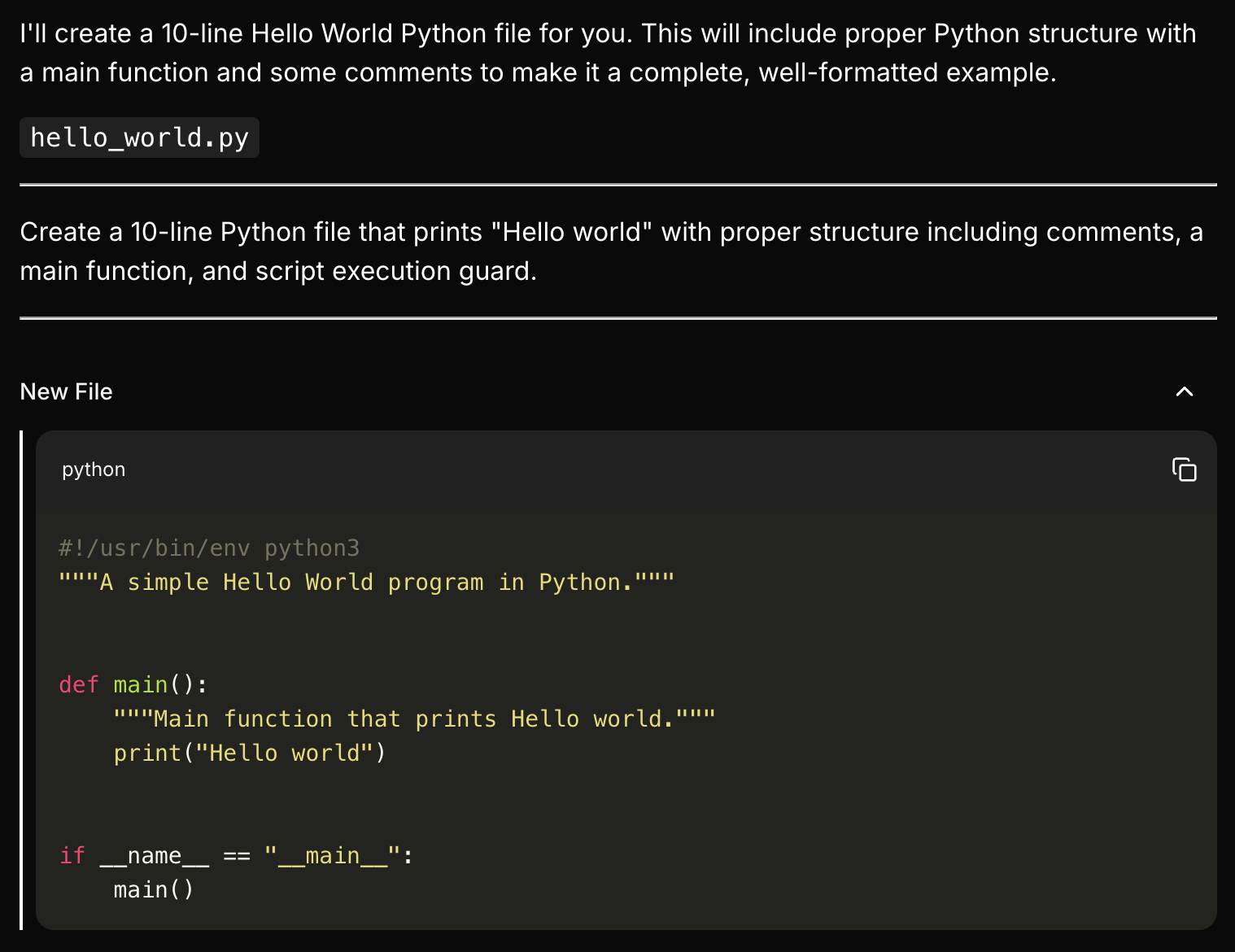
Applying Changes
Once Maestro decides that the prior proposals represent a correct set of changes, theApply Changes tool is used to attempt to implement the proposals.
This system is flexible. You can steer Maestro towards small, incremental changes, or multi-file refactors.
Once this tool completes, all proposals will either be in an Accepted or Rejected state.
We want to reward good progress and keep moving forward; concurrent sets of changes may be partially accepted, i.e, if 3/5 files were approved, new iterations will be created for 3 files, and no change implemented for the other 2.
User Approval
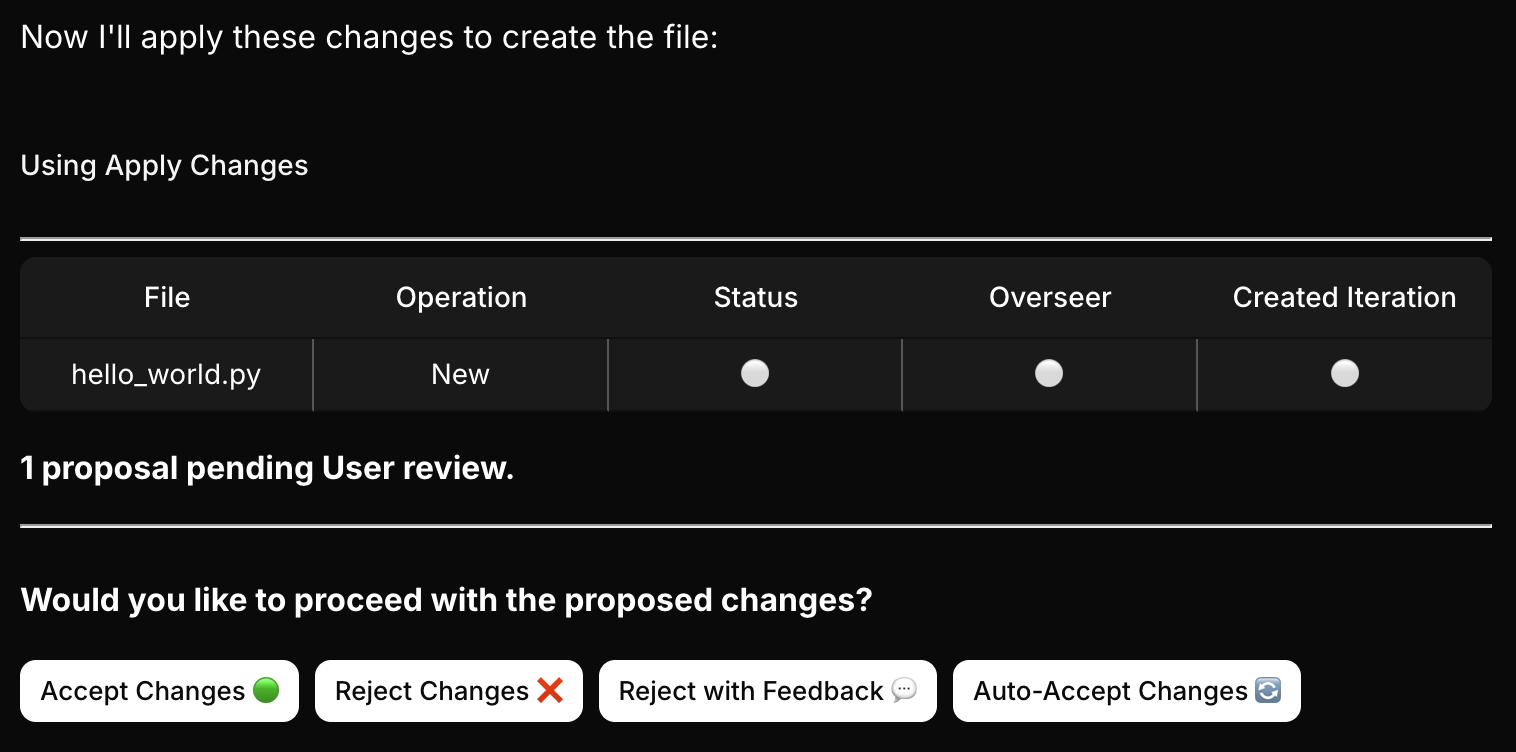
- File diffs: Each proposed change is displayed with clear before/after comparisons
- Change summary: A description of what’s being modified and why
- Approval options: You can review each change individually
- Safety checkpoint: Review changes before they’re committed to ensure they match your expectations
- Partial acceptance: Accept some changes while rejecting others if needed
- Learning opportunity: Maestro learns from rejected changes to improve future proposals
- Working with well-tested code patterns
- Making repetitive similar changes
- You have high confidence in Maestro’s understanding of the task
- Critical system components
- Security-sensitive code
- Complex architectural changes
- First-time implementations of new patterns
Sometimes during application of changes, you may see a message regarding anti-hallucination, preventing the apply operation. This is a safety mechanism to prevent Maestro from making changes to files it has not yet seen. The system will recover automatically, there is no need to do anything.
Overseeing Changes
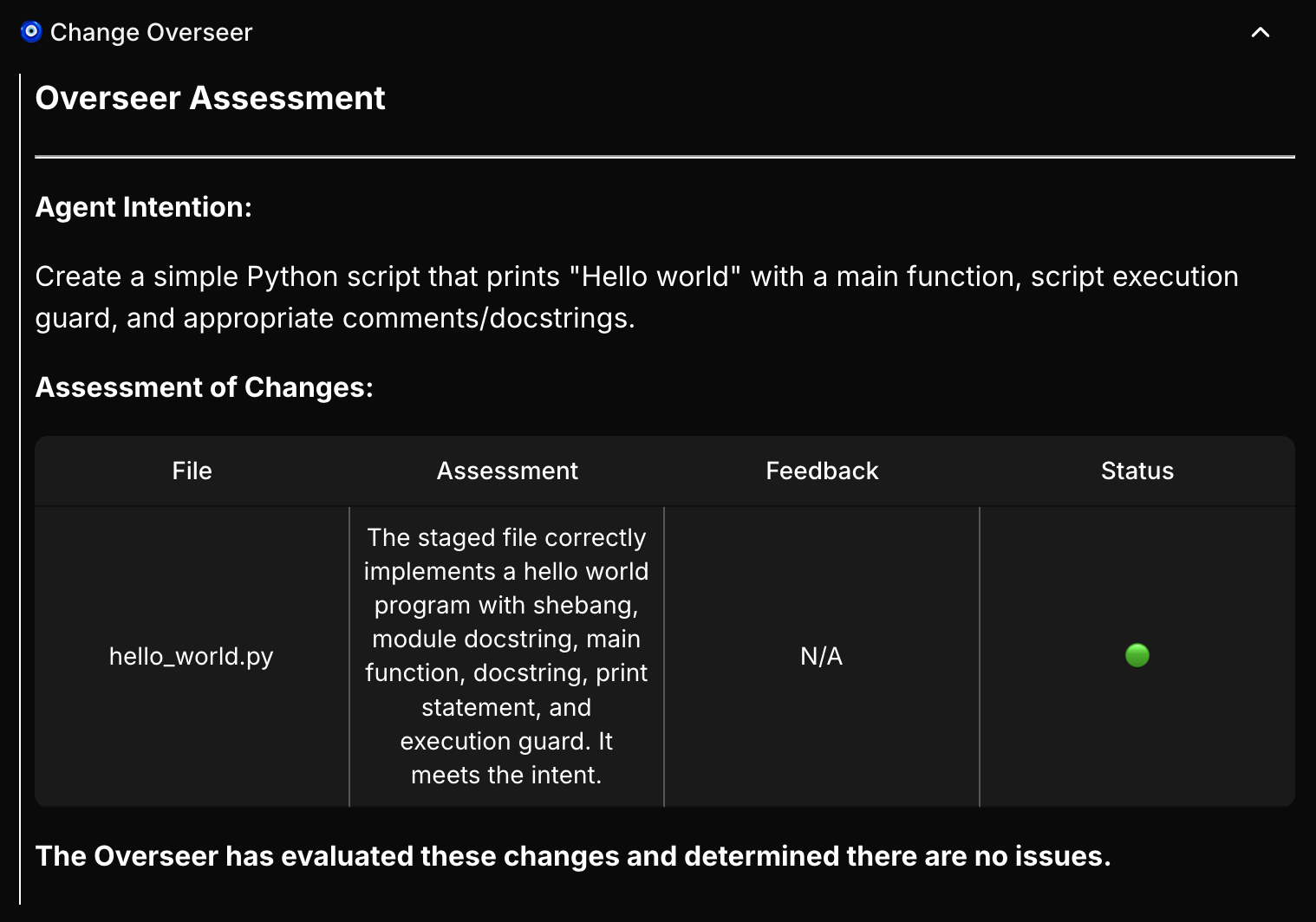
- Intent validation: Ensures proposed changes match the stated intent
- Code quality checks: Validates syntax, structure, and best practices
- Rejection feedback: Provides specific guidance on what needs to be fixed
- Iterative improvement: Maestro can revise and resubmit based on feedback